Ekattor
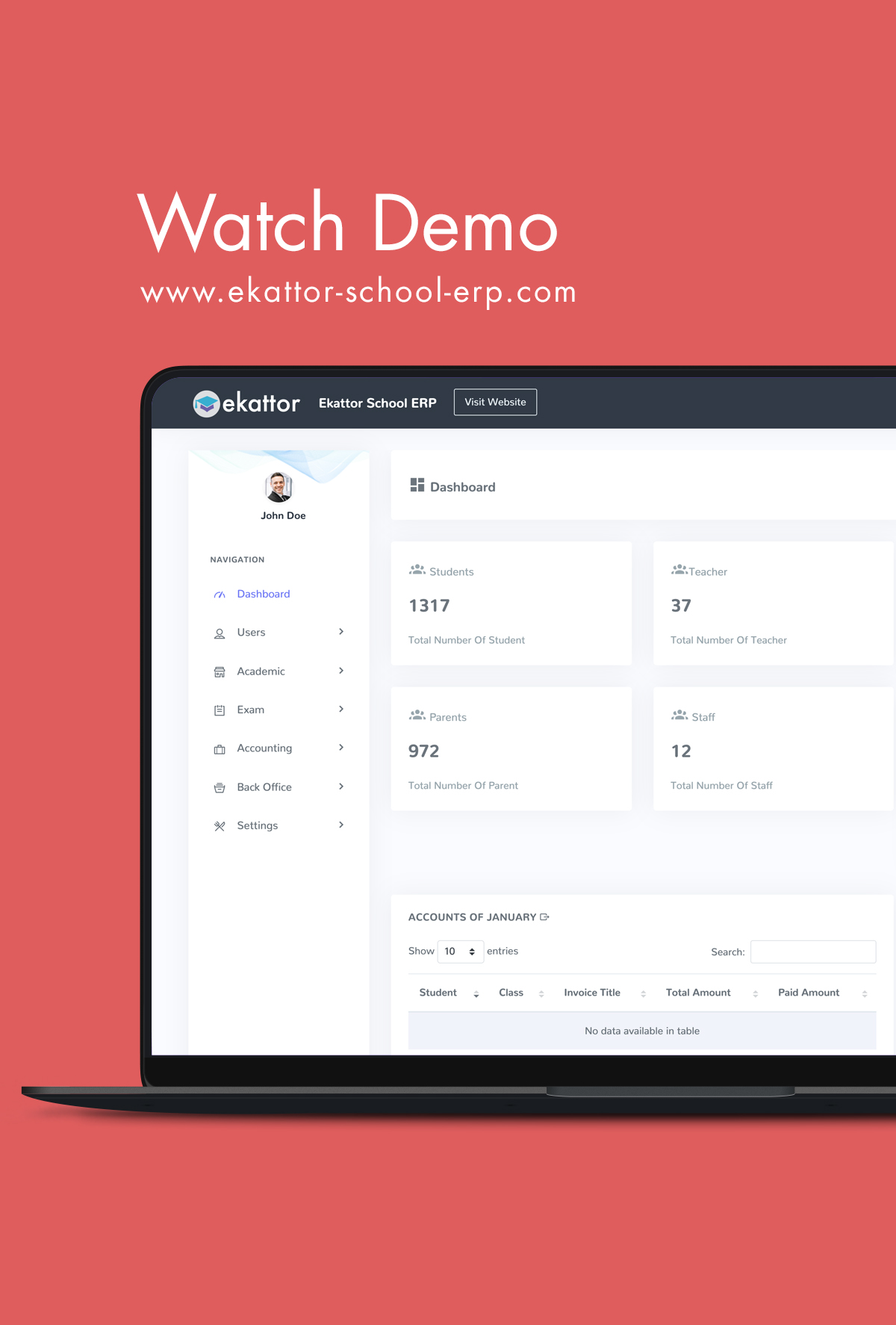
The Ekattor School Management System ERP (Enterprise Resource Planning) is a collection of programs designed to assist schools in administering their executive responsibilities on a day-to-day basis.
In the 21st century, almost every well-known educational institute uses a school management system to enhance ability and productivity. This school management system empowers schools to keep track of their daily operations while centralizing their resources and information. This managing system helps to reduce the pressure of managing a large amount of data from the school.
Users of Ekattor
Ekattor ERP provides the best user experience. This school management system is decorated to help seven kinds of users. They are-
- Superadmin
- Admin
- Teacher
- Parent
- Student
- Accountant
- Librarian
In Ekattor, every user has to play different roles with different permissions to operate the daily activities of an educational institution. This permission helps the users to control and run the institute smoothly.
Superadmin:
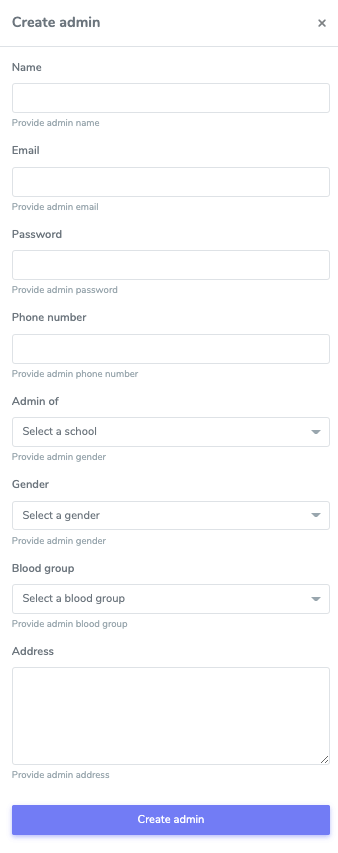
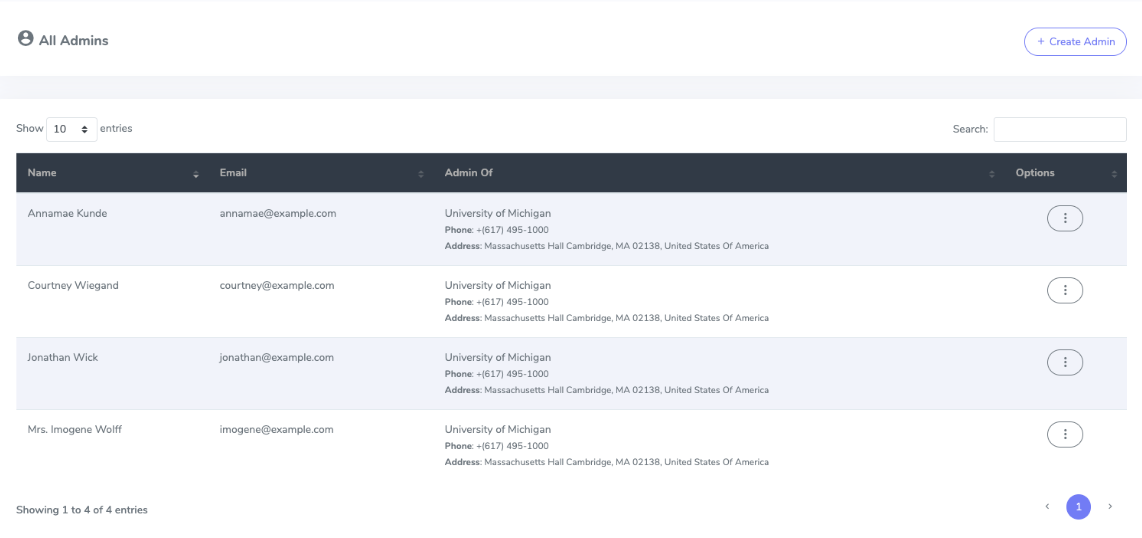
A superadmin has to play the most crucial role. He has the highest number of privileges and permissions. Mostly, he can add, edit, and remove school admin. He can monitor and control academic activities, live classes, exam-related activities, accounting-related activities, back-office-related activities, and online courses.
Admin:
An admin has the highest permissions and privileges after superadmin. An admin can monitor, control, and take action on academics, examinations, live classes, accounting, and back-office-related activities. But for a particular institute.
Teacher:
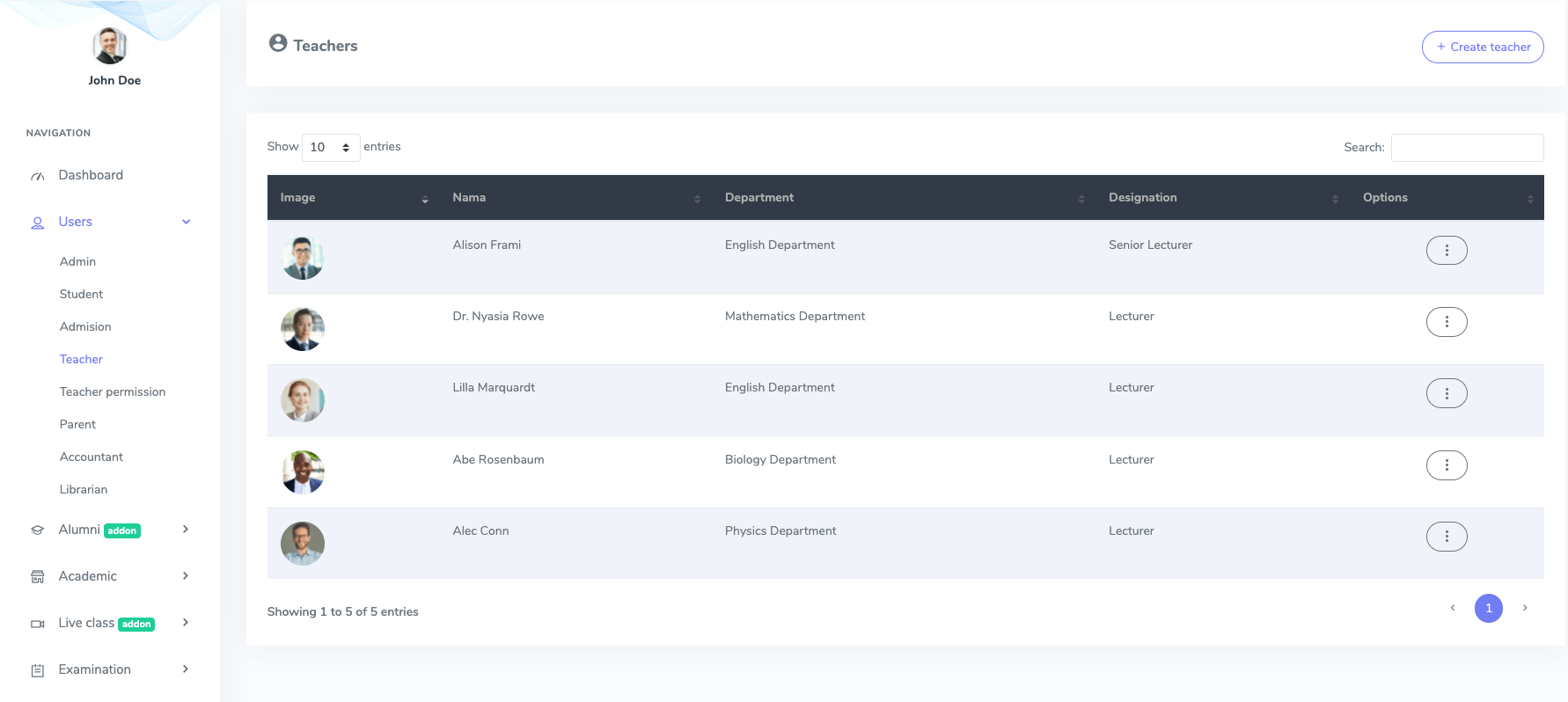
A teacher's role is oriented toward teaching and academic-related activities. He has permission to overview the list of students, class routine, subjects, event calendar, and back-office activities. He can overview, edit, and delete student's and their parent's information. A teacher has permission to issue ID cards for students, and he can take attendance/biometric attendance. He has the authorization to create the syllabus, add or edit new live classes, and provide marks and comments on the examination.
In Ekattor, a teacher can add assignments, publish, draft, expire, make questions and review them, and he can also create and modify online courses here.
Parent:
In Ekattor, a parent can overview the teacher's list, academic (daily attendance, class routine, syllabus, and event calendar), and back-office activities. Parents can also monitor the exam marks and grades. They can pay fees for their children in this panel.
Student:
A student has the permission to overview the list of teachers, daily attendance, class routine, syllabus, event calendar, back-office, exam marks, and grades in Ekattor. A student can overview marks, and comments, and submit their assignment. They can also join live classes, pay feeses, issue books from the library, watch online courses and get specific course information from here.
Accountant:
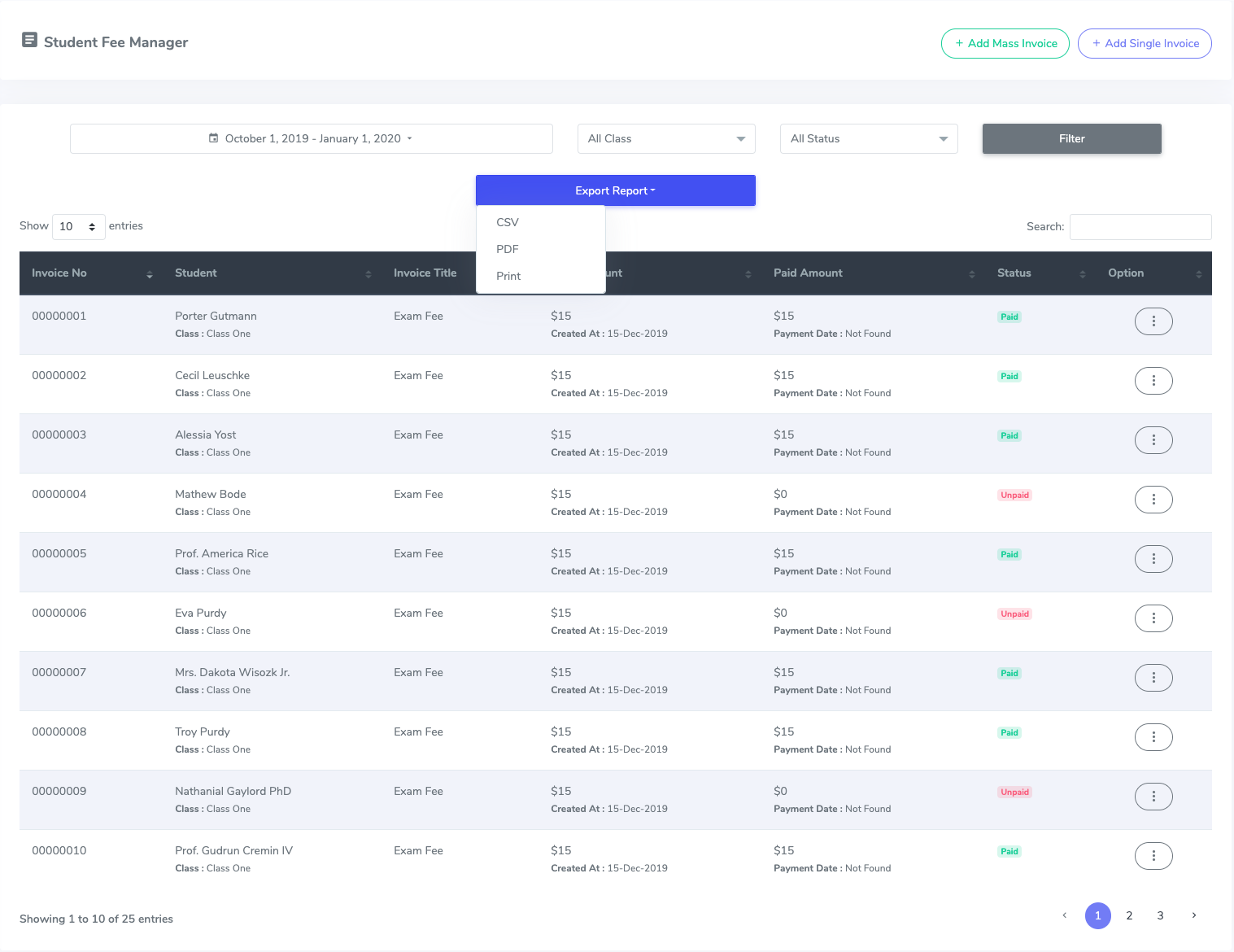
In this panel, an accountant gets all the permission for financial activities. An accountant has permission to add, edit and delete expense and expense categories. They can add mass or single invoices, export reports in CSV, PDF, and Print.
Librarian:
A librarian has the track of every book in the library, and they will get all library-related activities permissions. They also have permission to issue books, and they can add, edit, and remove books from the library and have permission to issue books.
How Ekattor works
Ekattor is a school management system, which works with a combination of 7 users. Ekkator offers you the feature to add and control several admins under one superadmin. You can add a premium addon to manage multiple schools under one authority.
- Install the application on your server.
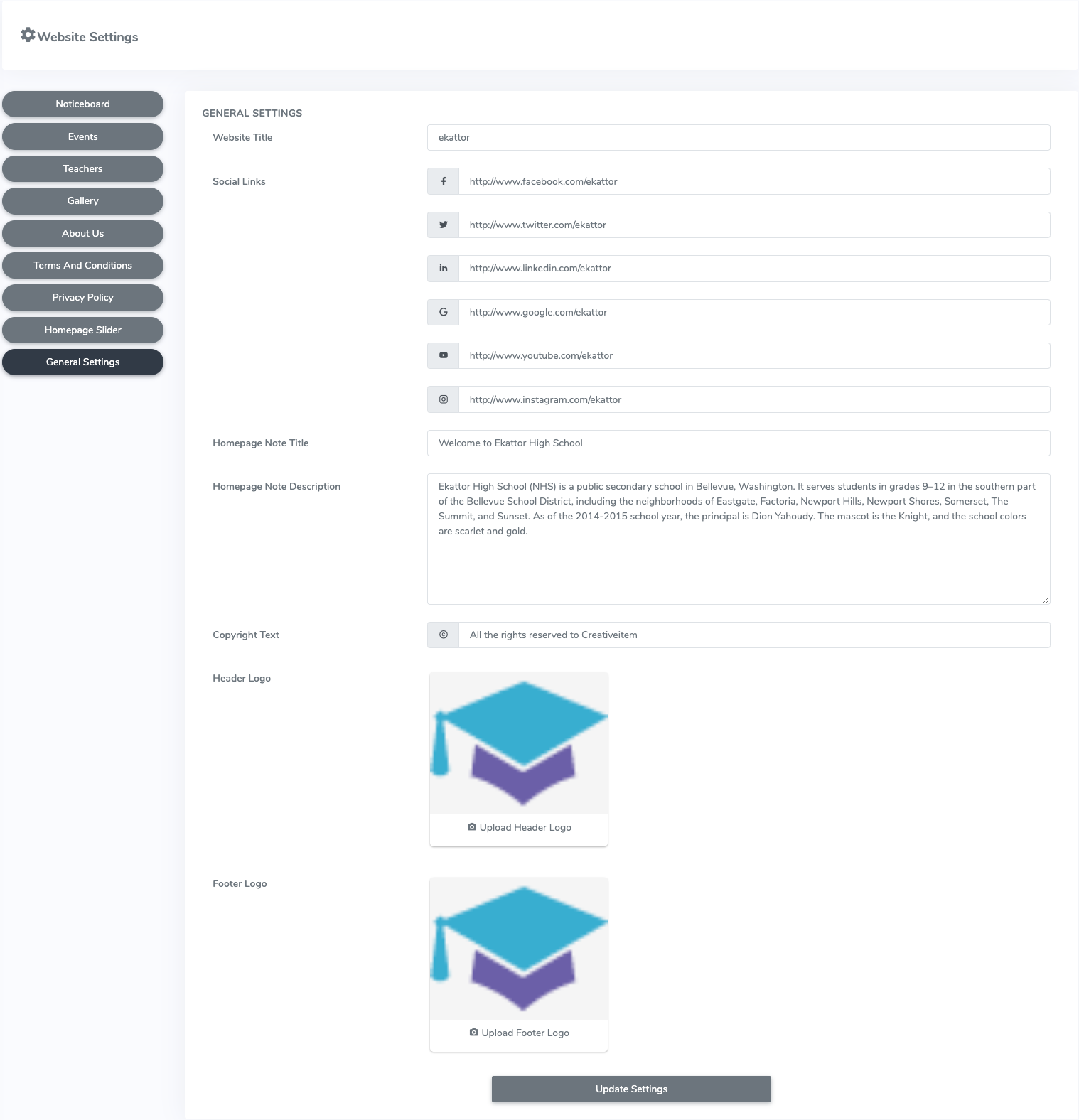
- Configure the application settings from the superadmin panel.
- Manage the users of Ekattor ERP. (Create, update info, delete of admins, teachers, parents, students, accountants, librarians)
- Manage different academic activities like- daily attendance, syllabus, class, class routine, subject, classroom, and event calendar.
- Manage examination panel.
- Manage financial panel.
- Manage back-school panel.
Academic terms
The academic activities of an educational institute help to operate classes and other education-related activities. In this panel, we will discuss with you about academic terms of the Ekattor school management system.
Attendance:
In this school management system, superadmin, admin, and teacher can take student's attendance to track academic progress. They can also take biometric attendance by adding additional add-ons, and students and parents can overview attendance from their panel.
Class routine:
The class routine is another part of academic terms in Ekattor. The superadmin and admin create the class routine for different classes. In this panel, class routine helps to complete regular academic activities. Students and parents can watch class routines to maintain everyday educational activities.
Subject:
In this school system management, the subject is a part of academic activities. Students, teachers, and parents have permission to overview subjects. Only superadmin and admin can add different subjects for different classes.
Syllabus:
The syllabus is another essential part of academic activities in Ekattor. The syllabus supports other educational activities, such as class routine, subject, and department. In this panel, the superadmin, admin, and teacher have permission to create the syllabus for the students, and only parents and students have permission to view the syllabus.
Class:
In this term, superadmin and admin can create a class to operate other's regular academic activities. They can also create sections, edit, and delete if they need. Classes and sections help to run class routine, subject, syllabus, classroom, and department.
Classroom:
The classroom is a significant part of operating academic activities in an educational institute. Only admin and superadmin can add, edit and remove classrooms, and they have an essential role in making a proper layout for the institute.
Department:
Every educational institute has different departments to function for academic progress. In Ekattor, superadmin and admin have the authority to add, edit, and erase various departments.
Event calendar:
The academic calendar is an essential part of this term. It helps to make track of an academic session. Everyone can see the event and detail from this panel. In Ekattor, superadmin and admin can add an event to the academic calendar. Also, they can edit and delete any occurrence from the calendar. Teachers, parents, and students can view this academic calendar from their panel.
Exam terms
The examination is a great way to evaluate what the students have learned concerning particular subjects, and it shows the path of learning. This exam system has an essential role in the process of education and the entire educational institute. There are few things in the examination system. They are -
- Marks
- Exams
- Grades
- Promotions
Marks:
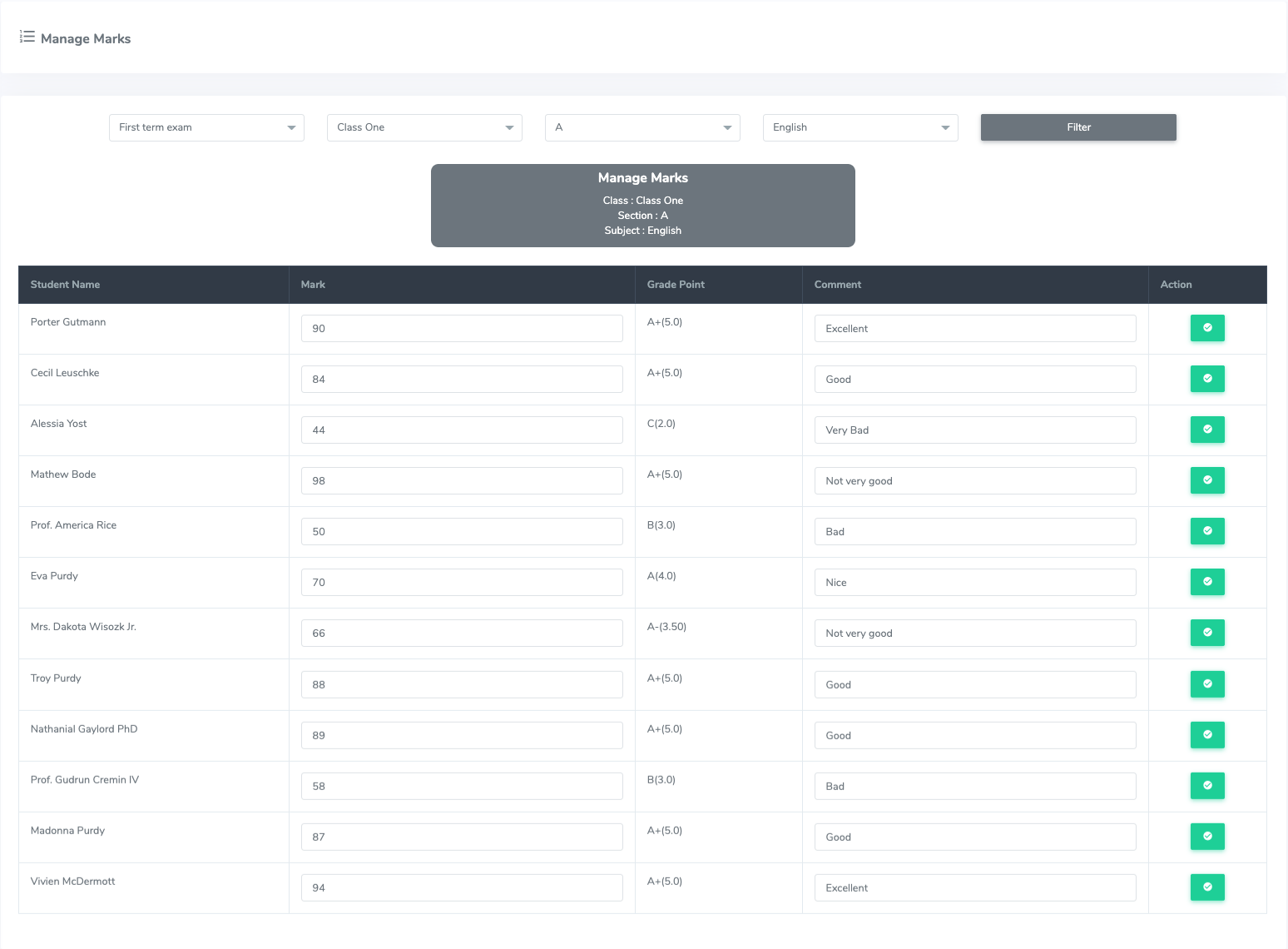
Mark is a score in the form of a number, percentage, or letter that a teacher gives a student's in the examination. In Ekattor, superadmin, admin, and teacher can provide marks, add comments and take action on marks. Parents and students have the authority to overview marks from their accounts.
Exams:
In this school management system, superadmin and admin can add new exams. Also, they can update the exam name, starting date, ending date, and erase the exam. Teachers, parents, and students can watch this panel.
Grades:
Only grades can define a student's marks in the examination. Superadmin and admin can add new grades, points, and ranges. Only students and parents have permission to overview the grades in Ekattor.
Promotions:
After completing a session in an educational institute, students get a promotion to enroll next session. It's a part of the examination system, and a student has to achieve suitable marks to get a promotion. In Ekattor, only superadmin and admin can enroll in a new session or promote a student.
Financial terms
Financial management is the most fundamental element for any organization, including schools and other educational institutes. Financial management means-
- Planning
- Organizing
- Directing
- Controlling
In Ekattor, superadmin, admin, and accountant can manage the financial activities. They can create student fees in two ways. They are:
- Mass invoice
- Single invoice
Also can overview the student's info, invoice title, total amount, paid amount, invoice status, and options for updating and removing the payment.
As a superadmin, admin, or accountant, you can also manage academic expenses, and create expense categories. Another side, as a student or parent, pays student fees in different payment gateway and prints the invoice of paid transaction.
Demo link : https://preview.codecanyon.net/item/ekattor-school-management-system-pro/full_screen_preview/6087521
Admin Panel
Username: admin@example.com
Password: 1234
Teacher
teacher@example.com
password : 1234
Student
student@example.com
password : 1234
Parent
parent@example.com
password : 1234