Academy LMS
Academy LMS is an online course-based learning management system. This web application is designed for creating courses, selling courses to students, and managing web portals.
Academy LMS is an online platform where the site admin and course instructors can create courses and make revenue by selling them to the students. On the other side, students can enrich their knowledge by purchasing courses from your application. In this course-based online educational platform. The course instructors can add videos, text, images, and documents as course materials.
What Academy LMS does
Academy is an online course-based educational platform. With Academy LMS, you can:
- Create and manage courses and quizzes
- Manage users
- Manage course revenue and course instructor's payouts
- Messaging With users
- Manage blogs
- Manage newsletter
- Add or manage themes and addons
- Configure settings
Who is Academy LMS for
Academy LMS is the best solution for any course-based online educational platform. Academy LMS can fit with any educational institute like school, college, university, training institute, yoga, cooking, painting, you just name it. Academy LMS is beneficial for:
- Students: The student or newly recruited employee who wants to enrich their knowledge and skills.
- Instructors: Who wants to crate and sell the course in their expertise subjects.
- Admin: The authority who operates the application creates and earns revenue, manages the user's panel, etc.
What is a course
In Academy LMS, students and instructors can share and enrich their knowledge through a course-based system.
The instructor or course creator has to create lessons, quizzes, and add attachments under the course. Later, the course creator can update, modify, or remove the course. On the other side, students have to purchase the course to enroll in a course. In this learning platform, the course is a medium to connect the users to work together. Multiple instructors can create a course here.
Who is an admin
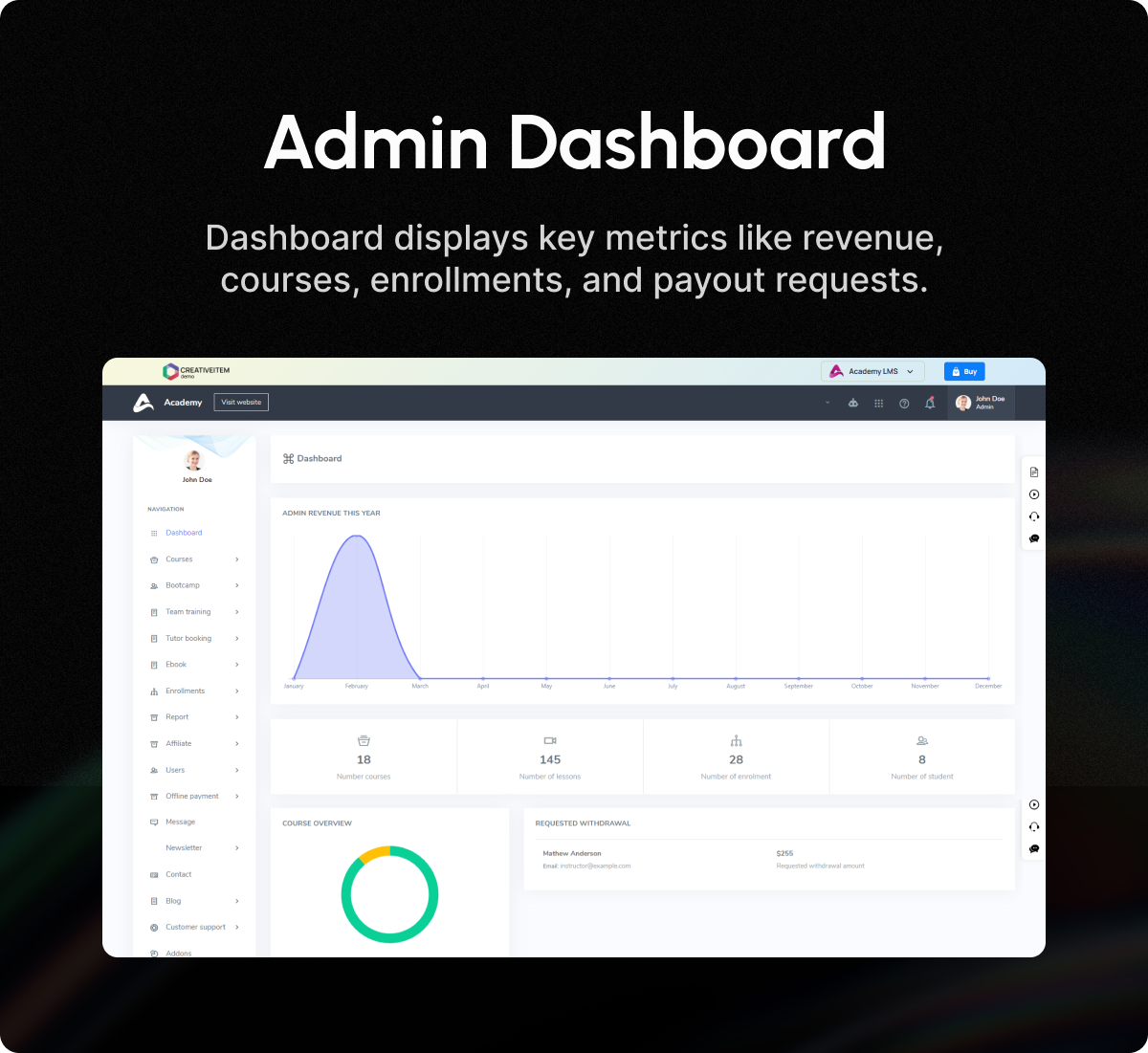
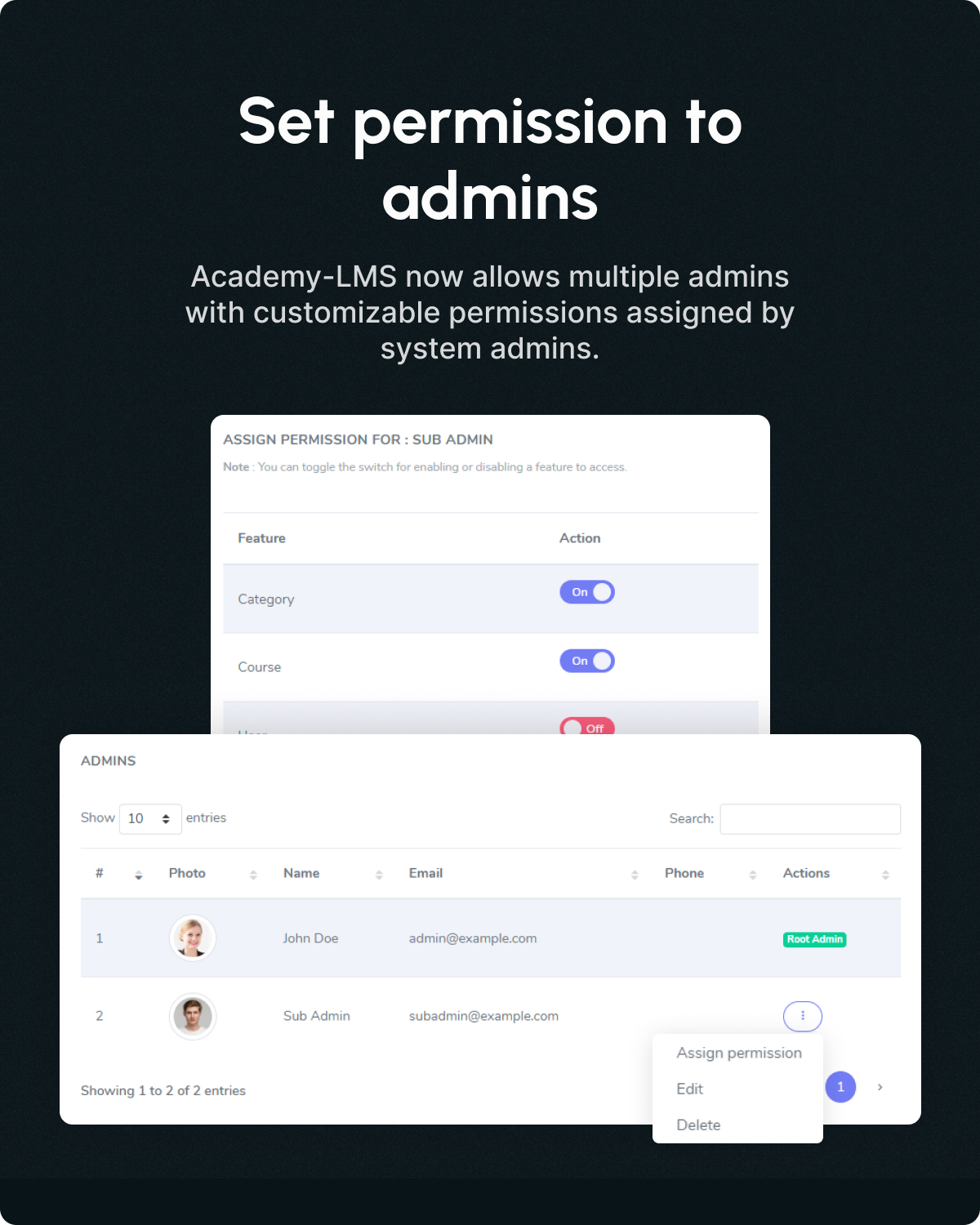
An admin is a user who has the highest number of privileges, permissions, and responsibilities in Academy LMS. The admin has to manage the entire system to operate the application.
In this platform, an admin can:
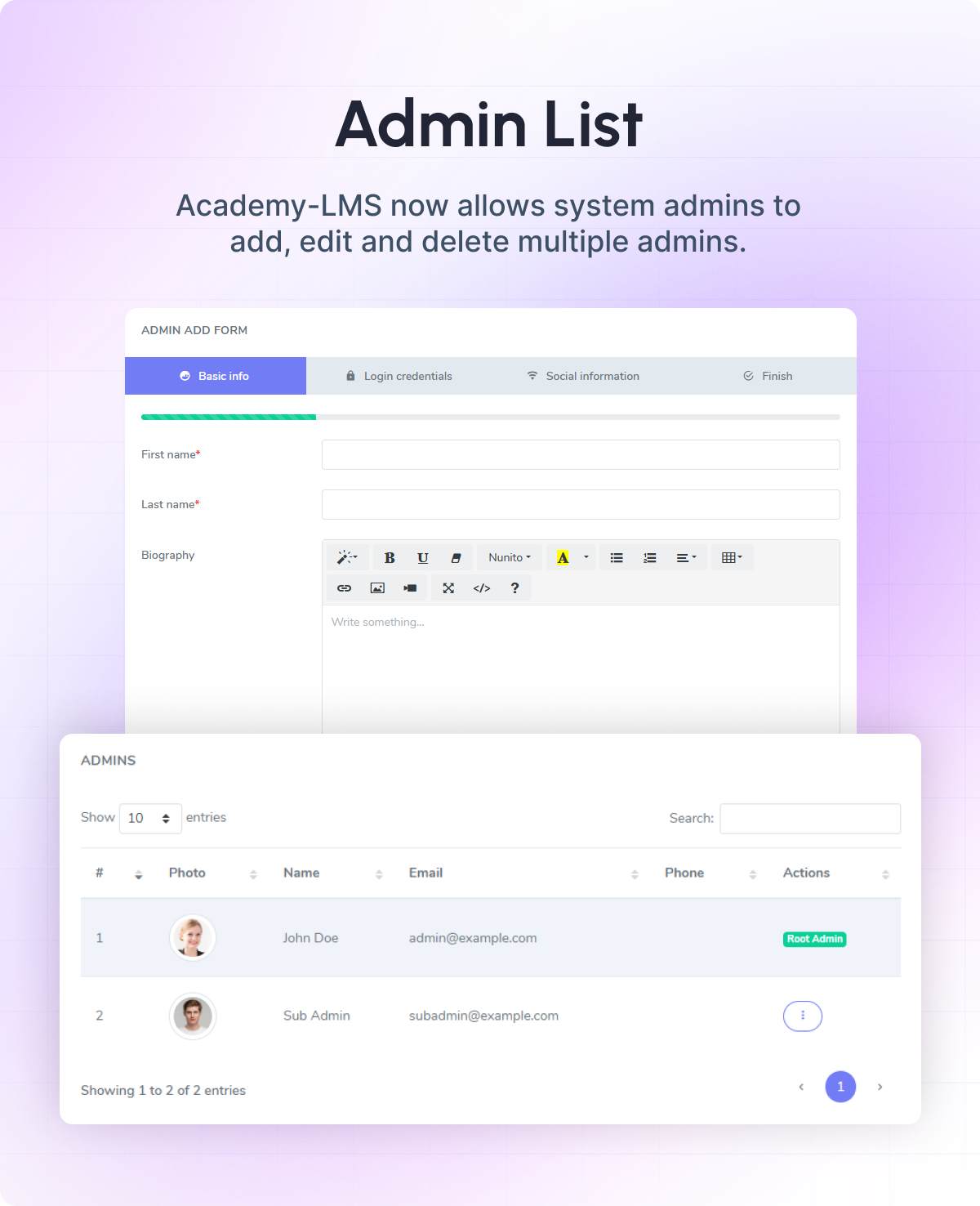
- Create users.
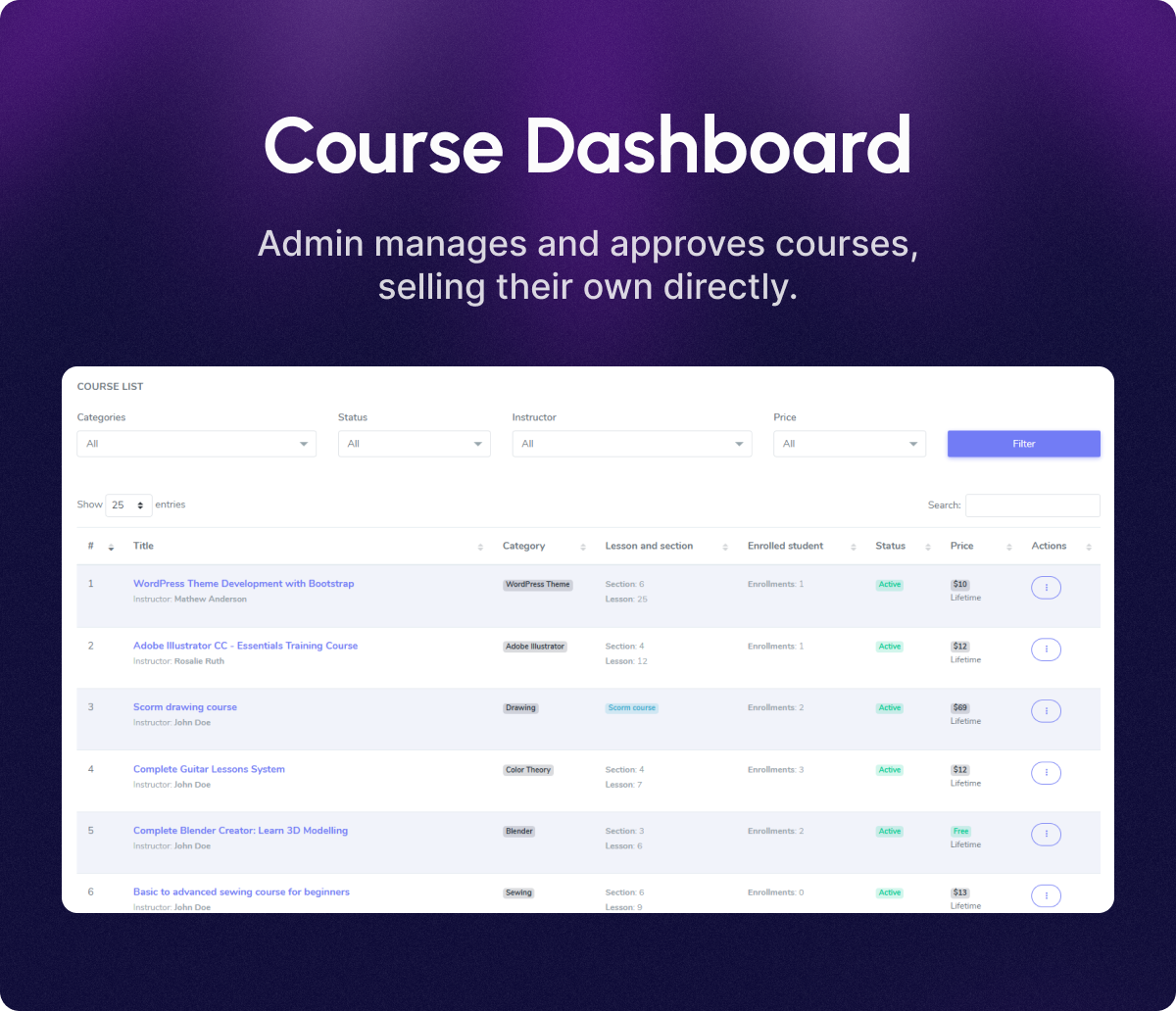
- Manage course and category.
- Manage revenue report menu.
- Grant permission to withdraw the instructor's revenue.
- Add addons.
- Configure and update the entire system settings.
- Accept/reject the application for the instructor.
Who is an instructor
The instructor is a user in the Academy LMS, who creates and sells courses in their expertise subjects.
An instructor can add, remove, and update the lessons, quizzes, and attachments. They can also overview sales and payout settings. An instructor can earn income by sharing a percentage of the course price after selling the course on this platform. Also, an instructor can continue messaging, and discussing lessons with admin and enrolled students.
Who is a student
In Academy LMS, students are the users who want to learn or upgrade skills in their favorite subjects.
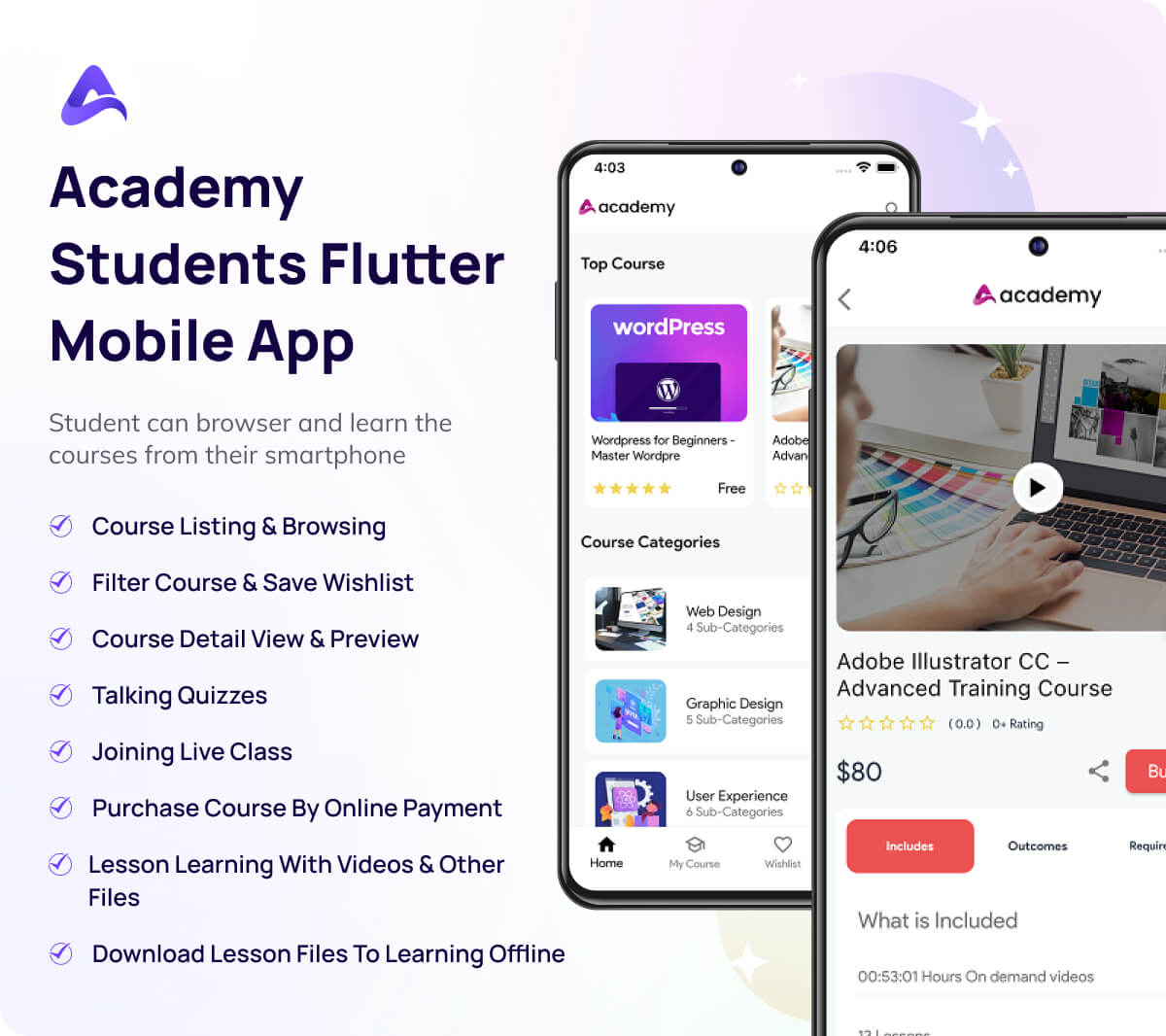
On this platform, students can purchase or subscribe to a course for enrollment. They can start or continue their enrolled course from the last preview. They can also browse courses and make wishlists. In Academy, a student can apply to become an instructor.
What is Drip content
The method of releasing your contents step by step is called drip content. You can lock new lessons in a course through the drip content feature. Your students have to see a particular percentage/time of previous lessons to unlock new ones if you activate drip content in a course. They can not see new lessons without watching the previous video. Also, your student's course learning progress will be updated automatically after unlocking a new lesson. The course creator can enable/disable this feature any time they want.
How Academy works
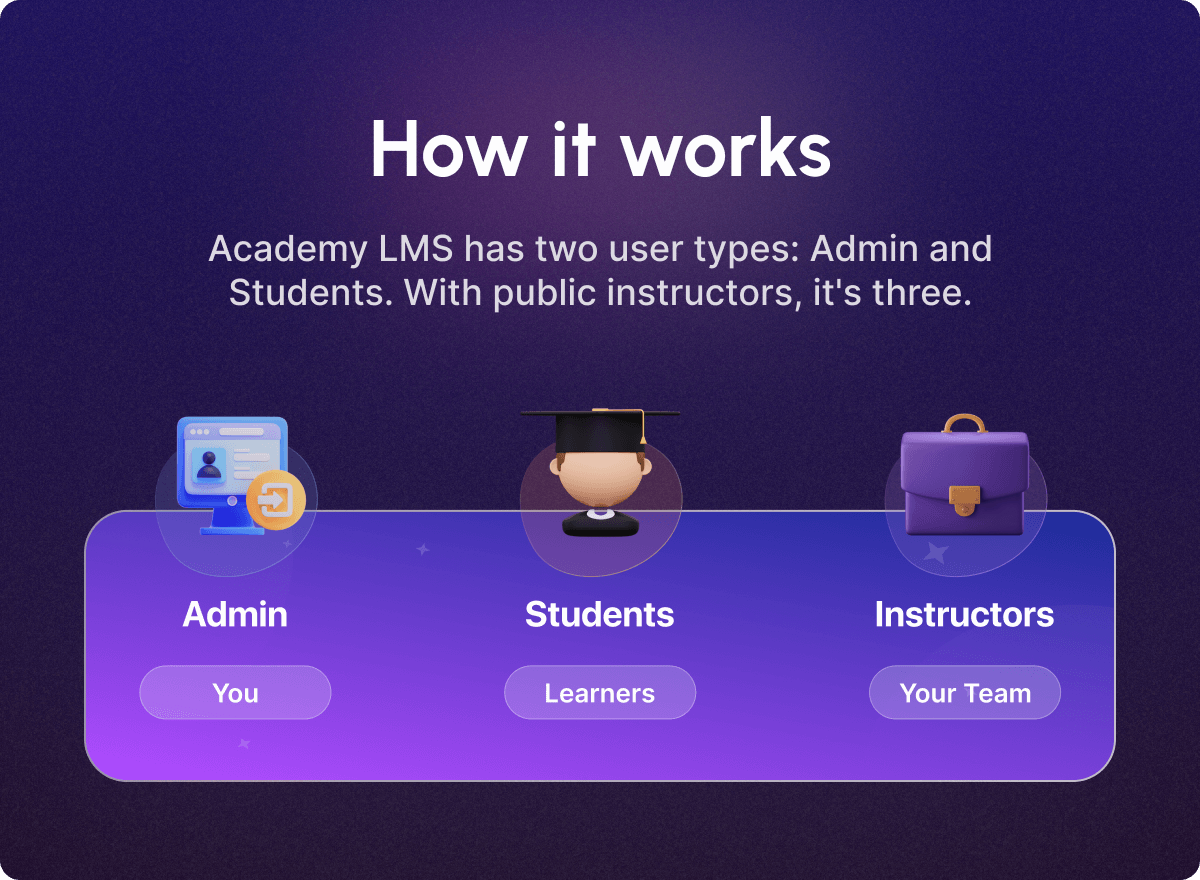
Academy LMS generally works with three types of users. Admins, instructors, and students, if you are the lone instructor of your course portal, allowing public instructors increases the number of instructors to three. There are three different user roles in the academy LMS: administrator, students, and instructor.
The Academy LMS application strives to provide the most excellent possible user experience. Academy LMS has a user-friendly and transparent workflow. All you have to do is follow the steps below:
Installation:
The first thing you need to do is download the Academy LMS application file from CodeCanyon. Then follow the instructions, install Academy LMS on your cPanel.
Configuration:
Following the installation, you must configure the academy LMS for your website. Then, to launch this program, you must specify all of the basic settings with all relevant data.
Creating the Course:
After installation and setup, an instructor is ready to construct a course or lecture to distribute. Instructors can create lessons by providing documents, pictures, and videos according to their expertise. In addition, the academy LMS delivers one of the best course editors to make the course more engaging and informative.
Enroll and Sales:
An instructor is ready to give his lesson after creating the course with the aid of the academy LMS course editor. The course can then be purchased and enrolled in by students, workers, or end-users. When they purchase the courses, the administrator and instructor begin making money by selling the students' approach and developing a career.
Learning from the Course:
Students, workers, or end-users can begin studying from the course after purchasing it. They can receive a variety of distinctive benefits from Academy LMS. Learners, for example, receive an advanced course player, track their progress in the course, save courses to their wishlist, and contact the instructor's assistance. They may also sort and filter the course list, log in securely, and create a personal account. Academy consistently offers a pleasant user experience.
Content Safety
Academy is a learning management system designed to create, distribute and manage the delivery of educational content.
When you use Academy LMS, you have to be very responsive to using the information about users. You have no authority to publish the information. Also, you can not use the information for any personal usage. Overall, Academy does not support any unethical content.
You can not use any contents that harm any religion. You are not allowed to make any political discussion, personal promotion, any abusive words in this application.
Technical Details
Academy has a few system requirements. To run the application, you have to make sure that your web server meets the following minimal prerequisites:
- Built with: PHP
- Framework: Codeigniter
- Minimum Php version : > 7.0
- Database: Mysql
- MySQL Version : > 5.7.0
- Required server: Apache
- cURL status: Required
- Mod rewrite module status: Required
- Minimum Required Physical Memory: 1GB
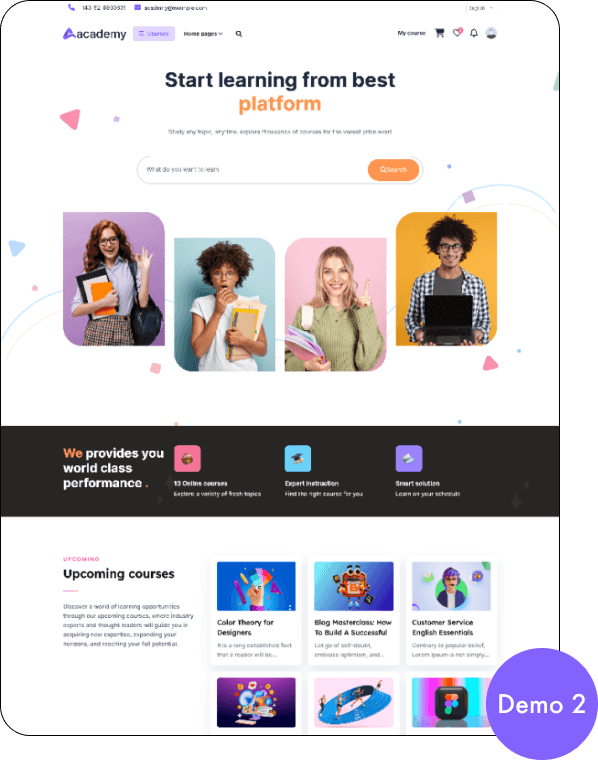
Demo link : https://academy-lms.com/demo